
Introduction
Presentation creation is a regular requirement in academic, professional, and organizational environments. However, designing slides manually often involves arranging elements, maintaining alignment, and ensuring visual consistency across multiple slides. This process can become repetitive and time-consuming, especially when working with structured or data-heavy content.
Tools that assist with automated formatting and layout management have emerged to simplify this workflow. These tools aim to reduce manual design effort by applying predefined rules to how content is displayed on slides.
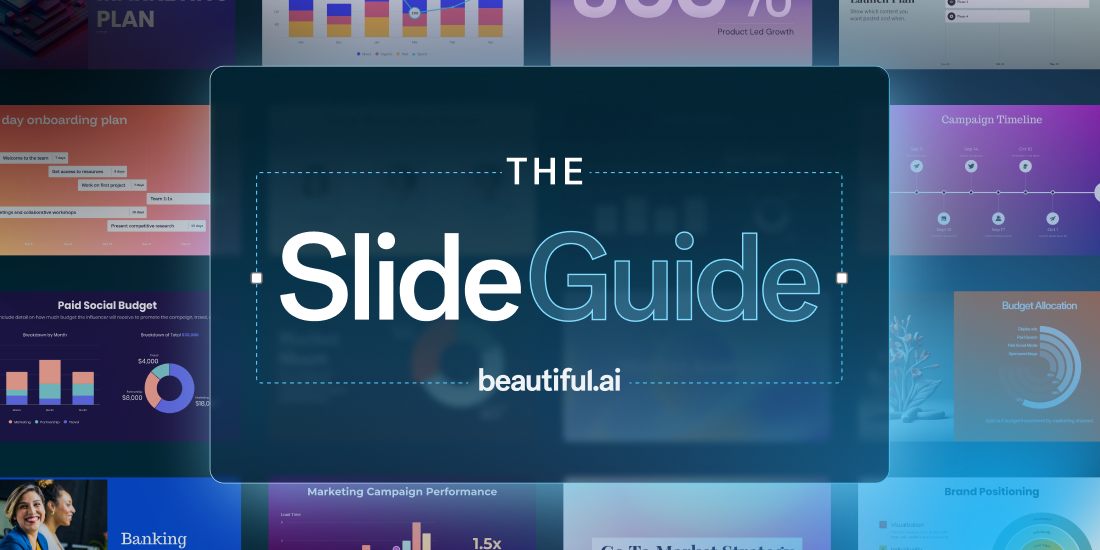
One such tool is Beautiful.ai, a web-based platform that focuses on guided slide creation with automated layout handling. This article explains how the tool functions, what it includes, and the practical considerations associated with its use.
What Beautiful.ai Is
Beautiful.ai is a cloud-based presentation software designed to help users build slide decks using structured templates and automated formatting logic. It operates within a browser and does not require installation in most cases.
The tool belongs to the category of presentation and productivity software. It is commonly used by individuals and teams who need to prepare slides without manually controlling every visual element.
Instead of acting as a blank canvas, the platform provides predefined slide types that adjust automatically when content is added or modified.
How It Works Conceptually
The core working model of Beautiful.ai is based on layout automation. When a user adds content such as text, images, or charts, the system adjusts spacing, alignment, and positioning according to internal design rules.
This approach differs from traditional slide editors where users manually control positioning. In Beautiful.ai, the layout is partially managed by the system to maintain consistency.
Users typically follow these steps:
- Select a slide template
- Enter content into predefined fields
- Allow the system to adjust layout automatically
- Modify content without manually redesigning the slide
This workflow reduces the need for manual formatting decisions.
Key Functional Elements
Template-Based Slide Creation
Slides are built using predefined structures that guide how content is arranged. Each template is designed for a specific type of information, such as text, comparison, or data display.
Automatic Layout Adjustment
When content changes, the layout adapts to maintain alignment and spacing. This reduces manual resizing or repositioning of elements.
Content Structuring Tools
Users input information into defined sections rather than placing objects freely. This encourages consistent formatting across slides.
Collaboration Features
Since the tool is web-based, multiple users can access and edit the same presentation from different locations.
Export Options
Presentations can typically be exported into standard formats such as PDF or PowerPoint for offline use or sharing outside the platform.
Analytics for Shared Presentations
Some versions include tracking capabilities that provide basic insights into how shared presentations are viewed.
Common Use Scenarios
Beautiful.ai is used in various contexts where structured presentation is required:
- Business meetings and internal reporting
- Academic presentations and lecture slides
- Team-based document preparation
- Remote sharing of slide decks
- Visual summaries of structured information
These scenarios involve organizing content into clear, slide-based formats rather than complex visual design projects.
Potential Benefits
The following points describe possible advantages based on how the system is designed:
- Reduces manual effort in aligning and formatting slide elements
- Maintains consistent visual structure across multiple slides
- Provides predefined layouts for common presentation needs
- Enables access from different devices through a browser
- Supports collaborative editing in shared environments
These aspects relate to workflow efficiency rather than design quality guarantees.
Limitations & Considerations
There are several limitations that users should be aware of:
- Restricted customization: Template-based layouts may limit full control over positioning and styling.
- Learning adaptation: Users may need time to understand how structured input affects slide output.
- Export inconsistencies: Converted files may require manual adjustments after export to other formats.
- Dependency on templates: The design system relies heavily on predefined slide types, which may not fit all scenarios.
- Internet requirement: As a web-based tool, it typically requires a stable internet connection for use.
These factors can influence how suitable the tool is for specific workflows.
Who This Tool May Be Suitable For
Beautiful.ai may be relevant for:
- Users who prefer guided slide creation over manual design
- Teams that need consistent formatting across presentations
- Individuals working with structured content such as reports or summaries
- People who collaborate remotely on presentation files
Its structured approach aligns with workflows that prioritize consistency and simplicity over full design flexibility.
Who May Find It Less Suitable
The tool may not be ideal for:
- Users who require complete control over slide layout and design
- Projects involving highly customized visual compositions
- Workflows that depend heavily on offline software
- Users who prefer freeform editing without template constraints
In such cases, tools that allow more manual control may be more appropriate.
Comparison With Similar Tools
Presentation tools vary in how they handle design and structure:
- Traditional editors such as PowerPoint allow full manual control but require more design effort.
- Cloud-based tools like Google Slides focus on collaboration with moderate design flexibility.
- AI-assisted tools such as Gamma follow a more content-driven layout generation approach.
Each tool uses a different balance between automation and user control. Beautiful.ai emphasizes structured templates and automatic formatting, while other tools may prioritize flexibility or freeform design.
No single tool fits all use cases, and selection depends on user requirements, workflow preferences, and level of customization needed.
Final Educational Summary
Beautiful.ai is a web-based presentation platform that organizes slide creation around structured templates and automated layout adjustments. It reduces manual formatting by applying predefined design rules as users input content.
The tool is generally used for creating business, academic, and collaborative presentations where consistency and structure are important. At the same time, its template-driven approach may limit customization for users who need full design flexibility.
When evaluating such software, it is important to consider factors such as workflow requirements, design control, collaboration needs, and export compatibility.
Readers should evaluate tools based on their own requirements and use cases.
Disclosure: This article is for educational and informational purposes only. Some links on this website may be affiliate links, but this does not influence our editorial content or evaluations.
