
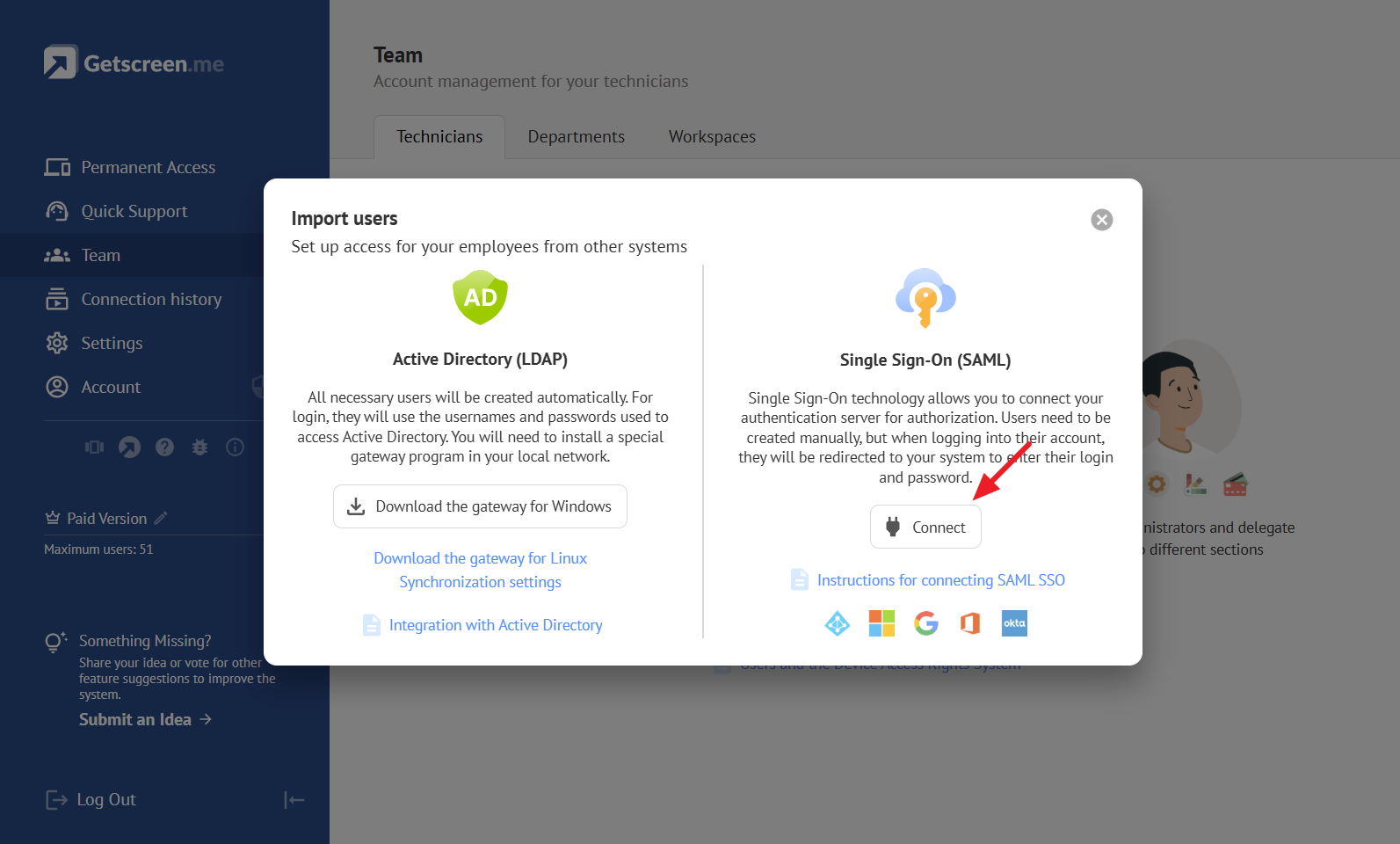
In the modern digital landscape, remote access has become more than a convenience—it’s a necessity. Getscreen.me stands out as a powerful, browser-based remote desktop solution, designed to make remote work, IT support, and device management seamless, secure, and highly efficient. Whether you are an individual user, a small business, or a large enterprise, Getscreen.me provides a comprehensive platform that simplifies remote access across devices and operating systems.
All-in-One Remote Desktop Platform
Getscreen.me eliminates the complexities of traditional remote desktop solutions. You don’t need cumbersome installations or complicated setup procedures. With just a browser, you can access desktops, laptops, and even Android devices instantly. The platform supports multi-user sessions, allowing unlimited concurrent connections, making it ideal for team collaborations and technical support scenarios.
Permanent Remote Access for IT Administration
Professional IT administrators require constant control over multiple devices without disrupting end users. Getscreen.me offers permanent remote access, enabling ongoing system management and unattended access to office or personal devices. This feature enhances productivity, reduces downtime, and ensures seamless maintenance across all devices.
Quick Remote Sessions for Tech Support
Efficiency in tech support is critical. Getscreen.me allows one-time remote connections across unlimited devices, streamlining helpdesk operations. The intuitive interface enables secure support sessions without sharing sensitive credentials. Features such as screen control, file management, and terminal mode empower support teams to troubleshoot effectively in real time.
File Manager Mode: Secure and Intuitive
Managing files remotely has never been easier. Getscreen.me’s File Manager mode provides a dual-pane interface, reminiscent of professional desktop file managers. With drag-and-drop functionality, SSL encryption, and platform compatibility, file transfers are fast, secure, and organized. Enhanced hotkeys and access control features make it a productivity booster for remote work environments.
Terminal Mode: Command-Line Control
For advanced IT operations, Getscreen.me includes Terminal Mode, offering real-time remote command-line access. Admins can execute scripts and manage systems without starting a full remote desktop session. Compatible with PowerShell, zsh, bash, and other command-line environments, Terminal Mode ensures powerful backend control, whether on Windows, macOS, or Linux.
Remote Desktop for Android Devices
Getscreen.me extends its capabilities to Android devices, enabling remote management of smartphones, tablets, and digital displays. Smooth gesture controls, integrated file management, and quick command features ensure complete control over mobile devices. This is particularly useful for monitoring digital signage, mobile devices, or remote team devices efficiently.
Custom Branding for a Professional Touch
Brand consistency matters, even in remote support. Getscreen.me allows businesses to customize their interface, invitations, and agent apps with logos, titles, and personalized contact buttons. White-label APIs and custom subdomains ensure a unique brand experience, enhancing client trust and loyalty.
Seamless Integration and API Support
Integration is key for any enterprise tool. Getscreen.me offers extensive HTTP API support, enabling easy incorporation into existing workflows and cloud applications. Whether for automating support processes or integrating remote access into your software solutions, Getscreen.me delivers a smooth and adaptable experience.
Why Choose Getscreen.me?
- Browser-based access with no installation hassle
- Permanent remote access and one-time session options
- Advanced file management and secure transfers
- Terminal mode for command-line administration
- Android remote desktop support
- Custom branding for businesses
- Scalable for individuals, small businesses, and enterprises
Conclusion
Getscreen.me is more than a remote desktop software—it is a versatile platform built for modern digital work environments. By combining ease of use, advanced functionalities, and secure remote access, it empowers businesses, IT professionals, and remote workers to stay connected and productive. Explore Getscreen.me to enhance your remote operations, streamline IT management, and improve overall efficiency.
