
Introduction: The Hidden Cost of Slow Contract Processes
If you’ve ever lost a deal because a contract took too long to finalize, you already understand how frustrating—and expensive—inefficient workflows can be. Traditional contract processes rely heavily on static PDFs, endless email chains, and manual follow-ups. It’s slow, messy, and full of friction.
Now think about this: what if your contracts could behave more like live documents instead of frozen files? What if you could edit them in real time, track engagement instantly, and remove the constant back-and-forth?
That’s exactly the space Oneflow is trying to redefine.
Instead of acting as just another e-signature tool, Oneflow positions itself as a complete contract management software built for speed, flexibility, and modern business workflows. But does it actually deliver on that promise, or is it just another SaaS tool with fancy branding?
Let’s break it down in detail so you can decide whether it deserves a place in your business stack.
Quick Summary Table
| Product | Best For | Pricing | Key Feature |
|---|---|---|---|
| Oneflow | Sales-driven teams & scaling orgs | Custom plans | Real-time editable contracts |
| PandaDoc | Proposal-heavy workflows | Budget-friendly | Advanced proposal templates |
What is Oneflow?
At its core, Oneflow is a cloud-based digital agreement platform designed to help businesses create, manage, send, and sign contracts—all in one place. But calling it just a contract tool would be underselling it.
What makes Oneflow different is its approach to documents. Instead of turning everything into static PDFs, it allows contracts to stay interactive and editable, even after they’ve been sent. That means no more restarting the process just because a client wants to tweak a clause or update pricing.
Think of it as the difference between sending a screenshot versus sharing a live Google Doc. One is fixed, the other evolves—and that flexibility can significantly speed up decision-making.
This makes Oneflow especially valuable for teams that deal with frequent negotiations, revisions, or approvals. Sales teams, HR departments, and agencies all benefit from the ability to keep contracts moving instead of getting stuck.
On top of that, Oneflow integrates with popular CRM systems, allowing you to connect your deal pipeline directly with your contract workflow. That means fewer manual steps and a smoother transition from “interested lead” to “signed customer.”
Key Features of Oneflow
1. Live Contract Editing
This is where Oneflow really separates itself. You can edit contracts after sending them, without canceling or duplicating the document.
That might sound like a small feature, but in practice, it eliminates one of the biggest bottlenecks in closing deals. Instead of restarting the process every time something changes, you simply update the existing contract.
2. Real-Time Engagement Tracking
Oneflow shows you exactly what’s happening with your contracts. You can see when a document is opened, how long someone spends on it, and even where they focus their attention.
This kind of insight is incredibly valuable for sales teams. Instead of guessing when to follow up, you act based on real behavior.
3. Built-In E-Signature Functionality
You don’t need a separate tool for signatures. Oneflow includes legally binding e-signatures within the platform.
That means fewer tools, fewer subscriptions, and less complexity in your workflow.
4. CRM and Workflow Integrations
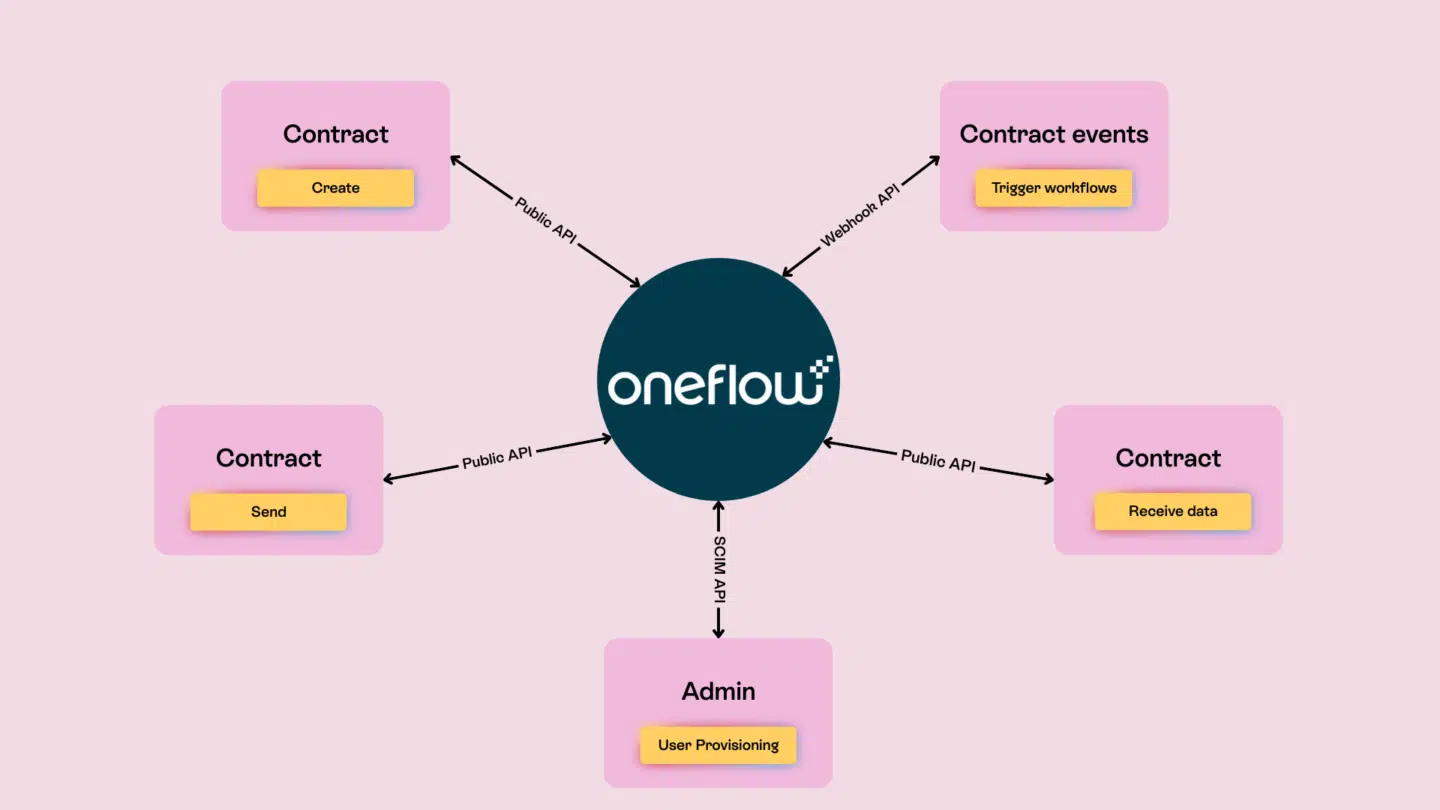
Oneflow integrates with tools like HubSpot, Salesforce, and Pipedrive, allowing you to manage contracts directly from your sales pipeline.
This reduces manual work and keeps everything aligned—from first contact to final signature.
5. Smart Templates and Automation
You can create reusable templates for contracts and automate repetitive steps. This not only saves time but also ensures consistency across documents.
Pros and Cons of Oneflow
Pros
- Contracts remain editable after sending
- Strong tracking and analytics
- Seamless CRM integrations
- Clean and intuitive interface
- Designed for speed and efficiency
Cons
- Pricing is not fully transparent
- Takes some time to fully understand all features
- Template library is not as extensive as PandaDoc
Oneflow vs PandaDoc: Which One Should You Choose?
Choosing between Oneflow and PandaDoc really comes down to your workflow priorities.
| Feature | Oneflow | PandaDoc |
|---|---|---|
| Document Flexibility | Editable after sending | Locked after sending |
| Templates | Moderate | Extensive |
| Proposal Design | Basic | Advanced |
| Analytics | Real-time tracking | Detailed insights |
| Ideal Use Case | Contract management | Proposal creation |
If your main focus is closing deals faster and reducing friction, Oneflow has a clear advantage. Its live editing feature alone can save hours—or even days—in negotiation cycles.
On the other hand, if your business relies heavily on visually rich proposals and presentations, PandaDoc might feel more complete.
Who Should Use Oneflow?
Oneflow isn’t for everyone, but for the right users, it can be a game-changer.
It’s particularly well-suited for:
- Sales teams that need to move quickly
- Startups looking to scale operations
- HR departments managing contracts and onboarding
- Agencies working with multiple clients
If your workflow involves frequent revisions or collaboration, Oneflow makes the entire process smoother and faster.
Real Use Cases: How Oneflow Fits Into Daily Workflows
Sales Teams
Sales professionals use Oneflow to send contracts, track engagement, and follow up at the perfect time. This leads to faster deal closures and fewer missed opportunities.
HR Departments
HR teams streamline hiring by sending contracts that candidates can review and sign instantly, without unnecessary delays.
Agencies
Agencies use Oneflow to simplify client agreements, reducing friction and getting projects started sooner.
Oneflow Pricing Breakdown
Oneflow offers several pricing tiers, although exact pricing details are not always publicly listed.
Typical structure includes:
- Free plan with limited functionality
- Basic plan for small teams
- Business plan with advanced features
- Enterprise plan for large organizations
Compared to competitors, Oneflow sits in the mid-to-premium range, but the efficiency gains often justify the cost.
Alternatives to Oneflow
If you’re exploring other options, here are a few worth considering:
- PandaDoc – Strong in proposal creation
- DocuSign – Widely recognized e-signature tool
- Adobe Acrobat Sign – Enterprise-grade solution
- HelloSign – Simple and easy to use
Each alternative has its strengths, but they don’t all offer the same level of flexibility as Oneflow.
Final Verdict: Should You Choose Oneflow?
If your business struggles with slow contract processes, Oneflow offers a practical and modern solution. Its ability to keep contracts editable, track engagement in real time, and integrate with your existing tools makes it a strong choice for teams that value speed and efficiency.
It’s not the cheapest option, and it may take a little time to fully adopt. But once implemented, it can significantly improve how your business handles agreements.
For companies focused on closing deals faster and reducing friction, Oneflow is definitely worth considering.
FAQ
1. What makes Oneflow different from other contract tools?
Its ability to keep contracts editable after sending sets it apart from most competitors.
2. Is Oneflow suitable for small businesses?
Yes, especially for growing teams that need scalable contract solutions.
3. Does Oneflow support integrations?
Yes, it integrates with major CRM platforms and business tools.
4. Can I use Oneflow for HR contracts?
Absolutely. It works well for employment agreements and onboarding.
5. Is Oneflow better than PandaDoc?
It depends on your needs—Oneflow is better for contracts, while PandaDoc is better for proposals.
