
Introduction
Most websites do not fail because of lack of traffic—they fail because visitors do not interact the way owners expect. Pages may get visits, but users often ignore important sections, skip calls-to-action, or leave without engaging.
Traditional analytics tools show numbers like visits, bounce rate, and session duration. However, these numbers do not clearly explain what users actually do on a page.
This is where behavior analytics tools come in. They help visualize user actions such as clicks, scrolling patterns, and navigation flow.
Crazy Egg is one of the tools in this category. It focuses on showing how users interact with a website through visual reports like heatmaps and session recordings. This article explains how it works, what it offers, where it is used, and what limitations it has.
What Is Crazy Egg?
Crazy Egg is a website behavior analytics tool designed to help understand how users interact with webpages. It belongs to the category of UX analytics and conversion behavior tracking software.
Instead of only showing numerical data, it provides visual insights into user behavior. These visuals show where users click, how far they scroll, and which areas of a page attract attention.
The tool is mainly used by website owners, UX designers, and digital marketing teams who want to understand user engagement patterns more clearly.
Its core purpose is not to collect general traffic data, but to explain how visitors experience a webpage visually and behaviorally.
How Crazy Egg Works
Crazy Egg works by installing a tracking script on a website. Once installed, it starts collecting interaction data from visitors.
This data includes actions such as clicks, scrolling behavior, and navigation movement across different sections of a page.
After collecting data, the system converts it into visual reports that are easier to interpret than raw numbers.
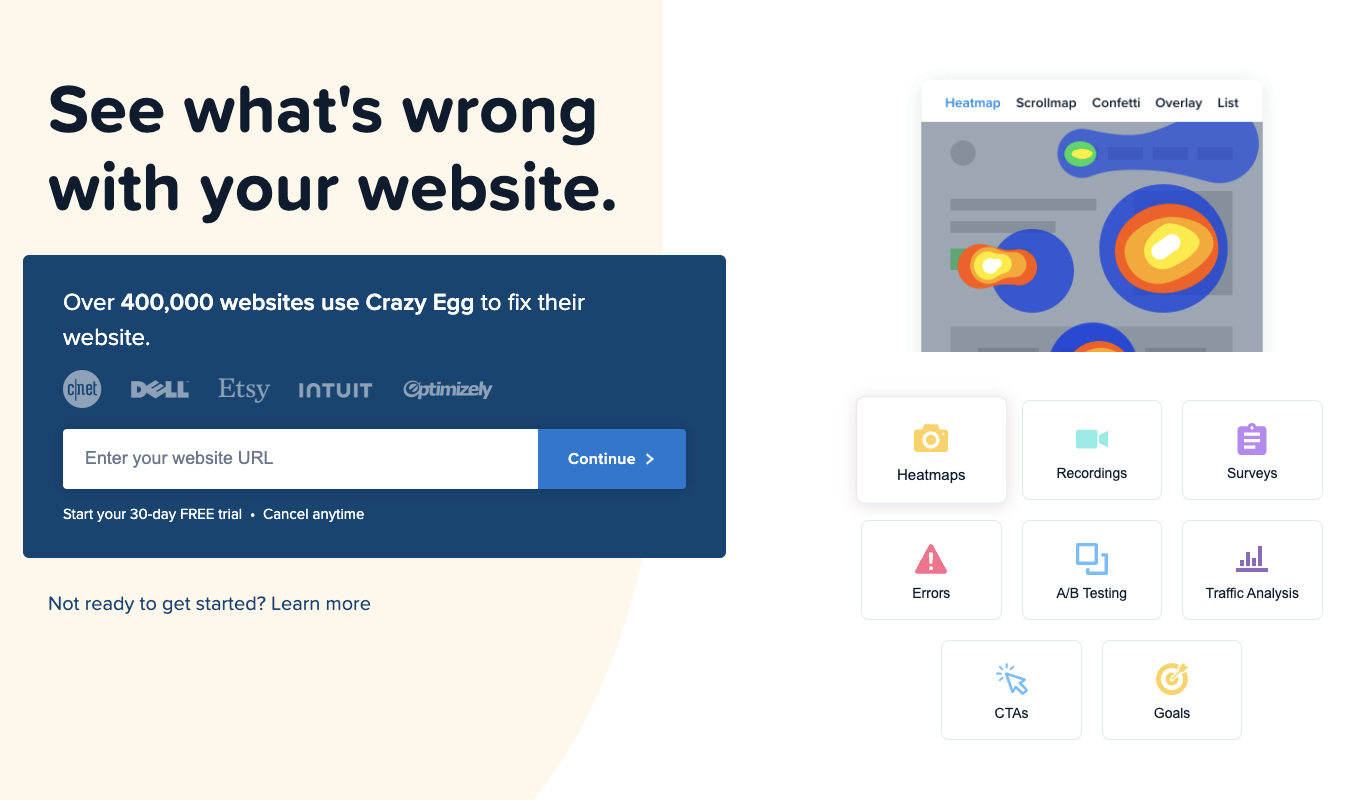
For example, heatmaps show which areas of a page receive the most attention by using color intensity. Scroll maps show how far users go down a page before leaving. Session recordings allow viewing real user journeys to understand behavior step by step.
Together, these methods help build a clearer picture of how a webpage is actually being used.
Key Features of Crazy Egg
Crazy Egg includes several behavior tracking features designed to analyze user interaction patterns.
Heatmap Tracking
Heatmaps visually represent where users click or focus most on a webpage. High activity areas are highlighted more intensely.
Scroll Mapping
Scroll maps show how far users scroll down a page and where engagement starts to drop.
Session Recordings
This feature records user sessions so website owners can watch how visitors move through pages in real time or playback format.
A/B Testing Support
Some versions allow comparison between two webpage variations to analyze which design performs better in terms of user engagement.
Traffic Segmentation
User behavior can be analyzed based on different segments such as device type or traffic source.
Common Use Cases
Crazy Egg is used in various scenarios related to website performance and user experience improvement.
One major use is landing page optimization, where teams analyze how users interact with key page sections.
It is also used for conversion improvement analysis, helping identify why users do not complete actions like sign-ups or purchases.
UX designers use it to study interface behavior patterns and adjust layout structures accordingly.
Marketing teams apply it to evaluate campaign landing pages and understand engagement levels.
It is also useful for identifying content visibility issues, such as important sections being ignored by users.
Potential Advantages
One major advantage of Crazy Egg is its ability to convert complex user behavior into visual formats that are easier to interpret.
It provides insights into real user interactions instead of relying only on abstract numbers.
Session recordings help in understanding individual user journeys in detail.
It may also help identify design or usability issues that are not visible through standard analytics tools.
Overall, it supports data-informed website improvement decisions.
Limitations and Considerations
Crazy Egg also has limitations that should be considered.
Interpreting visual data still requires analytical understanding, as patterns are not always straightforward.
It may not capture every user session depending on tracking configuration and traffic volume.
The tool focuses mainly on frontend behavior and does not provide deeper technical or backend performance insights.
Privacy regulations may require proper compliance when tracking user behavior.
Large websites may need careful setup to avoid overwhelming data collection.
Who Should Use Crazy Egg
Crazy Egg is suitable for users who want to understand how visitors interact with website content visually.
It is commonly used by UX designers, product teams, marketers, and website owners.
It is particularly useful for improving page layout, engagement flow, and conversion performance.
Who May Not Need It
Users who only need basic traffic statistics may not require this level of behavioral analysis.
It may also not be necessary for small websites with minimal optimization needs.
Organizations that are not focused on UX or conversion improvement may not fully utilize its capabilities.
Comparison With Similar Tools
Crazy Egg belongs to the same category as tools like Hotjar, Microsoft Clarity, and Lucky Orange.
These tools all provide heatmaps and session recording features for behavior analysis.
Differences are mainly in interface design, depth of analytics, pricing models, and feature complexity.
Some tools are more beginner-friendly, while others offer deeper analysis options.
Selection depends on the level of insight and usability required.
Final Summary
Crazy Egg is a website behavior analytics tool that helps visualize how users interact with webpages through heatmaps, scroll maps, and session recordings. It provides a clearer understanding of user engagement beyond traditional analytics metrics.
Its main value lies in improving website usability and identifying interaction patterns that affect performance. However, interpretation and proper setup are important for accurate insights.
As with any analytics tool, its usefulness depends on specific website goals and optimization needs.
Disclosure
This article is for educational and informational purposes only. Some links on this website may be affiliate links, but this does not influence our editorial content or evaluations.
