
Introduction
Modern businesses often rely on multiple digital tools to manage communication, collaboration, and workflow coordination. As teams grow and operations become more distributed, the need for centralized access points and simplified digital navigation becomes more important.
One category of tools that has emerged in this space is link-based business tools that help organize access to different services through a single entry point. These platforms are often used to streamline how users connect to business resources, applications, or shared content.
Hopp for Business is positioned in this category. It is associated with creating and managing business-facing link environments that help organize digital access in a structured way. This article provides an educational overview of how such a system works, what it typically offers, and where it may be useful.
What Is Hopp for Business?
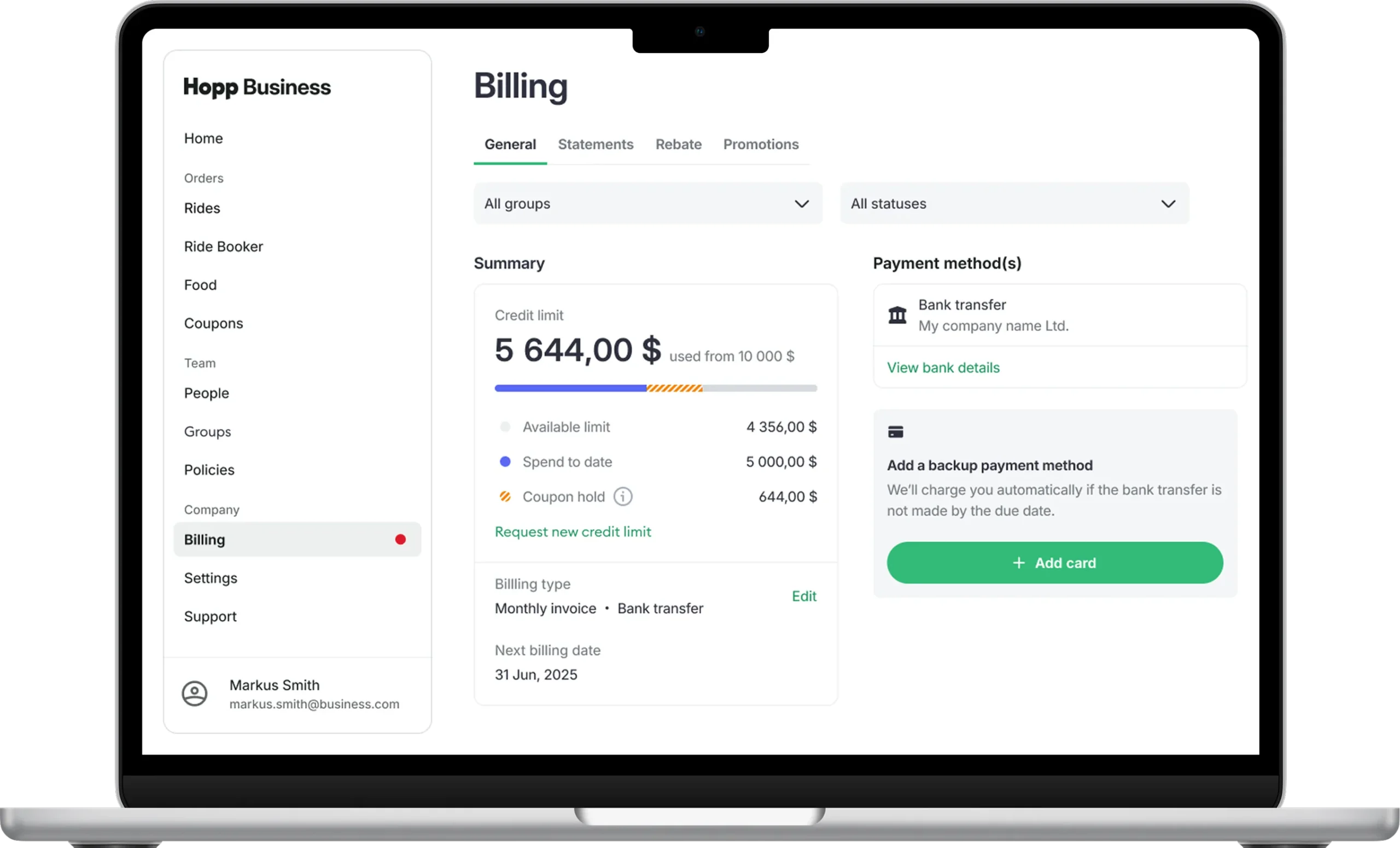
Hopp for Business can be described as a business-oriented link management and access organization tool. It is designed to help businesses create structured entry points that can connect users to multiple digital destinations.
Instead of sharing multiple separate links, businesses can use a centralized link hub that organizes access in a single interface. This approach is commonly used in digital communication environments where simplicity and clarity are important.
The tool generally falls under the category of link-in-bio style platforms or business link management systems, but adapted for broader organizational use beyond social media profiles.
In practice, it helps businesses reduce complexity in sharing resources and improves navigation for users accessing multiple services or pages.
How Business Link Management Tools Work
Tools like Hopp for Business operate on a simple structural concept: aggregation and redirection.
First, the user (typically a business) creates a centralized link page or dashboard. This page acts as a container for multiple links.
Next, individual links are added to this dashboard. These may include websites, internal tools, contact pages, product pages, or external resources.
When someone accesses the main link, they are presented with a structured interface containing all available options.
The system then redirects users to the selected destination based on their choice.
Some platforms also include tracking or analytics features that allow businesses to understand how users interact with the link hub.
Key Features of Hopp for Business
Hopp for Business includes features commonly found in modern link management systems.
One important feature is centralized link organization, which allows multiple URLs to be grouped under one access point.
Another feature is customizable link pages, where businesses can adjust layout, structure, and presentation to match their branding or internal needs.
Some systems in this category may include basic analytics, which provide insights into how often links are clicked and which destinations are most accessed.
Integration support is also common, allowing businesses to connect the link hub with other digital tools or workflows.
Additionally, mobile-friendly design is typically included so that users accessing links from different devices can navigate easily.
Common Use Cases
Hopp for Business and similar tools are used in several practical business scenarios.
One common use case is centralized resource sharing, where companies share multiple important links with employees, clients, or partners through a single entry point.
Another use case is marketing coordination, where businesses organize product pages, campaign links, or informational resources in one structured format.
Customer support teams may also use such tools to provide easy access to FAQs, help documents, or support channels.
In internal operations, teams may use link hubs to organize dashboards, tools, and workflow systems in one accessible location.
These use cases highlight the role of link management systems in simplifying digital navigation.
Potential Advantages
One potential advantage of Hopp for Business is improved organization of digital resources. Instead of managing multiple separate links, everything can be grouped in one place.
Another potential benefit is ease of sharing. A single link can represent an entire collection of resources, reducing communication complexity.
These tools may also improve user experience by making navigation more structured and intuitive.
In some cases, businesses may find it easier to update or modify shared resources without changing multiple individual links.
Limitations and Considerations
Despite its usefulness, there are limitations to consider.
One limitation is dependence on a single access point, which means if the main link is not accessible, all connected resources may become harder to reach.
Another consideration is limited customization depth in some platforms, especially for advanced branding or structural control.
These tools may also not be suitable for complex workflows that require deeper integration beyond simple link redirection.
Additionally, performance and usability depend on how well the platform handles large numbers of links or high traffic usage.
Privacy and data handling should also be considered, especially if analytics or tracking features are enabled.
Who Should Use Hopp for Business
Hopp for Business may be suitable for organizations that need a simple way to organize and share multiple digital resources.
It can be useful for small to medium businesses, teams managing multiple tools, or departments that frequently share external and internal links.
It may also be helpful for users who want to reduce complexity in communication by using a single access point instead of multiple URLs.
Who May Not Find It Suitable
This type of tool may not be necessary for individuals or businesses that only manage a small number of links.
It may also be less suitable for organizations that require advanced workflow automation or deeply integrated enterprise systems.
Users who prefer fully customized website development rather than structured link pages may also find it limiting.
Comparison With Similar Tools
Hopp for Business belongs to a category that includes tools like Linktree, Beacons, and other link-in-bio or link hub platforms.
Most tools in this category offer similar core functionality: creating a centralized page for multiple links.
Differences usually appear in customization options, analytics depth, and integration capabilities.
Some platforms focus more on social media use cases, while others are designed for broader business environments.
There is no universal leader in this category, as suitability depends on specific organizational needs.
Final Educational Summary
Hopp for Business is part of a broader category of digital link management tools designed to simplify how businesses organize and share multiple online resources. It works by creating a centralized access point that connects users to various destinations through a single interface.
Its usefulness depends on the context in which it is used. For organizations dealing with multiple links and frequent sharing needs, it can help simplify communication and navigation. However, it may not be necessary for simpler workflows or highly complex enterprise systems.
Readers should evaluate tools based on their own requirements.
Disclosure
This article is for educational and informational purposes only. Some links on this website may be affiliate links, but this does not influence our editorial content or evaluations.
