
Introduction
Digital work environments have significantly changed how organizations monitor productivity, allocate resources, and coordinate distributed teams. As remote and hybrid work models expand across industries such as technology, consulting, marketing, and customer support, traditional supervision methods have become less practical. Managers can no longer rely solely on physical presence or manual reporting to understand how time is spent during work hours.
This shift has created demand for software systems that record work activity, track project time, and generate productivity insights. These systems are commonly categorized as employee time tracking tools or workforce productivity monitoring platforms. They aim to provide structured data about how employees and freelancers allocate their time across tasks, applications, and projects.
Within this category, Time Doctor has become widely recognized as a software platform focused on time tracking, workforce analytics, and productivity monitoring. Businesses that manage distributed teams or remote staff often explore solutions like Time Doctor to obtain measurable insights into work patterns, project timelines, and operational efficiency.
Understanding how platforms such as Time Doctor operate requires examining their features, intended use cases, advantages, and limitations. Rather than viewing the software purely as a productivity tool, it is more useful to analyze it as part of the broader ecosystem of workforce management technologies that help organizations collect data about work processes.
What Is Time Doctor?
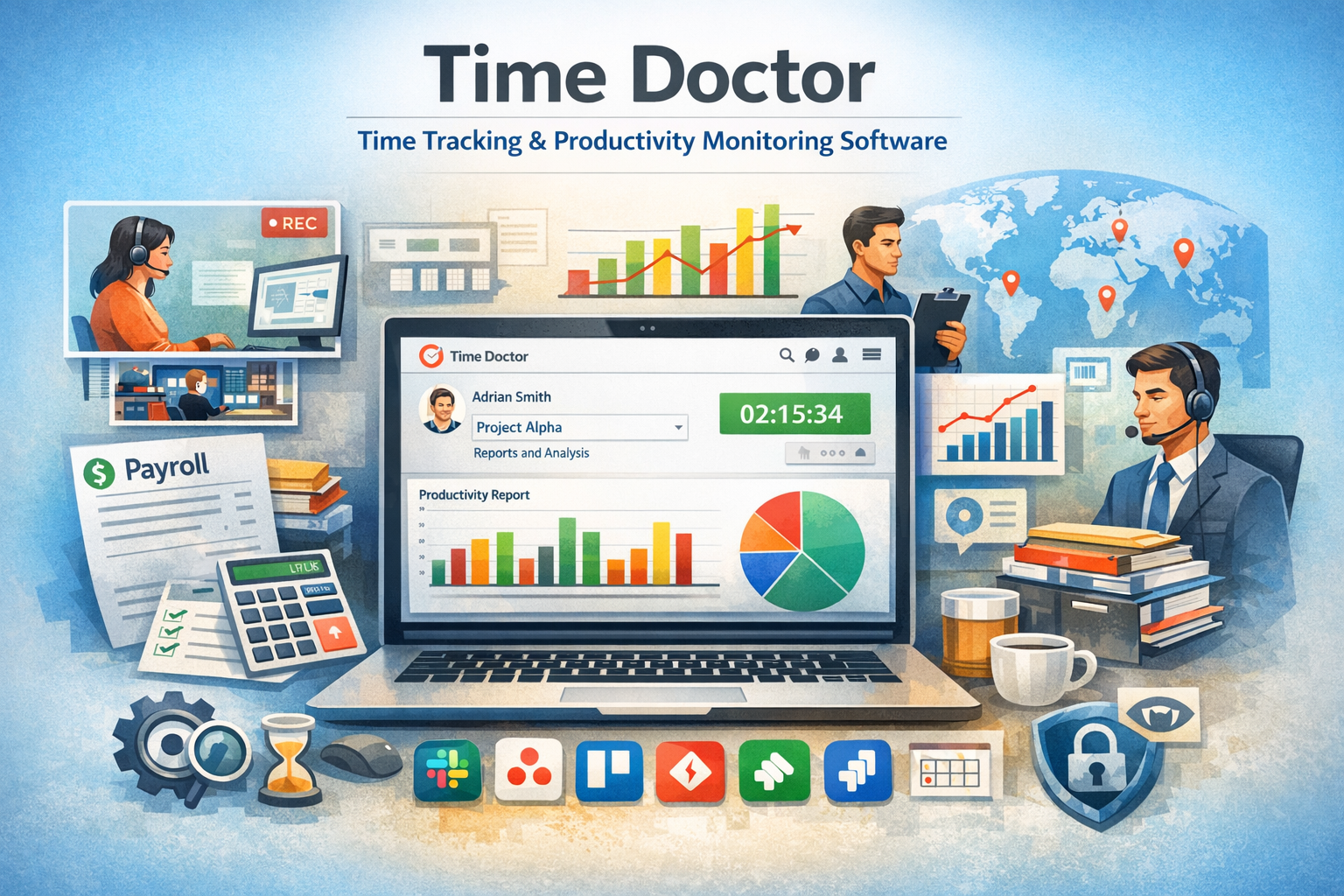
Time Doctor is a workforce analytics and time tracking platform designed to monitor how employees spend their working hours across digital tasks and projects. The software records time spent on applications, websites, and specific tasks while generating reports that summarize productivity patterns.
In practical terms, Time Doctor functions as a digital time tracker combined with activity monitoring software. It typically runs on employee computers or devices and measures the duration of work sessions, often requiring users to start or stop timers when beginning tasks. Some organizations configure the platform to capture screenshots or track keyboard and mouse activity, depending on internal policies.
Time Doctor belongs to a broader category of employee productivity monitoring software used by organizations that employ remote workers, freelancers, outsourced teams, or distributed departments. The system gathers structured data about how time is allocated across different work activities, allowing managers to review productivity trends, task completion rates, and operational efficiency.
From a classification standpoint, Time Doctor is frequently grouped with the following software categories:
- Employee time tracking software
- Remote workforce management tools
- Productivity monitoring platforms
- Project time analytics systems
- Work activity reporting software
These platforms are commonly used in sectors where digital tasks dominate daily workflows, including software development, digital marketing, customer support, and virtual assistance services.
Key Features Explained
Workforce monitoring platforms typically include multiple layers of functionality. Time Doctor incorporates several core features that support time measurement and work analysis.
Time Tracking Mechanisms
At its foundation, Time Doctor records the amount of time spent on tasks and projects. Users typically initiate timers when beginning work activities, allowing the platform to measure duration and categorize tasks according to project assignments.
This process helps generate detailed timesheets that summarize daily, weekly, or monthly work hours.
Activity Monitoring
Activity tracking is another component commonly associated with employee productivity platforms. Time Doctor can record which applications and websites are used during work sessions. The resulting data can help organizations understand how digital tools are utilized throughout the workday.
Such monitoring may also highlight patterns of distraction or workflow interruptions.
Screenshots and Visual Records
In some configurations, Time Doctor captures periodic screenshots of the user’s screen. These visual records provide additional context regarding how time was spent on specific tasks. Organizations may use this function for auditing purposes or for reviewing work processes.
Policies surrounding screenshot monitoring typically vary depending on company privacy standards and regulatory requirements.
Productivity Reporting
Time Doctor compiles data into reports that summarize employee activity and work distribution. These reports may include metrics such as:
- Time spent on specific projects
- Application usage statistics
- Daily work patterns
- Task completion timelines
Managers may use this information to analyze operational efficiency or identify workflow bottlenecks.
Payroll and Time-Based Compensation Support
Some organizations rely on time tracking platforms when calculating payments for hourly employees or freelancers. Time Doctor can export time data that assists with payroll calculations or billing for client projects.
This feature is particularly relevant for businesses that outsource tasks to remote contractors.
Integration With Other Software
Workplace technology ecosystems often consist of multiple tools for project management, communication, and collaboration. Time Doctor integrates with several third-party platforms used in task management or workflow organization.
These integrations help synchronize time tracking data with project planning systems.
Common Use Cases
Organizations adopt time tracking software for different operational reasons. Time Doctor is typically used in situations where work occurs digitally and productivity data is valuable for management decisions.
Remote Team Management
Companies that employ distributed teams often lack direct visibility into daily work routines. Time Doctor provides structured time records that help managers understand how tasks progress across remote locations.
Freelancer and Contractor Oversight
Businesses that hire freelance professionals sometimes require documented work hours for billing purposes. Time tracking platforms help maintain verifiable records of work duration and task engagement.
Project Cost Estimation
In project-based industries, understanding how long specific tasks require is essential for budgeting and planning. Time Doctor can provide historical data that informs future project estimates.
Operational Efficiency Analysis
Managers may analyze time reports to identify workflow inefficiencies or excessive time allocation to particular tasks. This analysis can support decisions about process improvements or resource allocation.
Client Billing Documentation
Consulting agencies, marketing firms, and software development companies often bill clients based on time spent on projects. Time tracking records help produce transparent documentation for these billing processes.
Potential Advantages
Time tracking platforms offer several potential benefits when used in appropriate organizational contexts.
Data-Driven Management Insights
Time Doctor provides structured data about work activity, which may help managers understand productivity patterns. Instead of relying on subjective impressions, organizations can analyze quantitative time records.
Improved Project Transparency
When teams track work hours across projects, stakeholders can gain clearer visibility into how resources are allocated. This transparency can help maintain accountability in distributed teams.
Support for Remote Work Structures
As remote work becomes increasingly common, digital monitoring tools provide a mechanism for coordinating geographically separated teams.
Detailed Work Reports
Time Doctor generates reports that summarize daily or weekly work activities. These reports may help organizations review operational efficiency or identify workflow trends.
Historical Productivity Data
Time tracking platforms store historical work data that can be analyzed over time. This information may assist with project planning or staffing decisions.
Limitations & Considerations
Despite their practical uses, employee monitoring platforms raise several considerations that organizations must evaluate carefully.
Privacy Concerns
Monitoring tools that record screenshots or track application usage can raise privacy concerns among employees. Organizations implementing such systems must balance operational oversight with respect for personal boundaries.
Workplace Culture Impact
Excessive monitoring may affect workplace morale or trust. Some employees perceive continuous tracking as intrusive, particularly when productivity is evaluated primarily through time-based metrics.
Context Limitations
Time tracking data does not always capture the full context of intellectual or creative work. Tasks involving planning, brainstorming, or research may not appear productive when evaluated solely through time metrics.
Configuration Complexity
Organizations must configure monitoring settings, reporting categories, and task structures appropriately. Incorrect configurations may lead to misleading productivity data.
Not Ideal for All Work Environments
Certain professions, especially those emphasizing creative output or strategic thinking, may not benefit significantly from time tracking platforms.
Who Should Consider TimeDoctor
Certain organizational structures and industries may find workforce time tracking platforms particularly relevant.
Businesses that frequently explore systems like Time Doctor often include:
- Companies managing remote or distributed teams
- Outsourcing firms coordinating freelance workers
- Digital service agencies handling client projects
- Customer support operations with measurable tasks
- Virtual assistance and remote administrative teams
In these environments, tasks are often digital, measurable, and time-dependent, making structured time tracking data useful for operational analysis.
Who May Want to Avoid It
While time tracking tools serve many organizations, they may not be suitable for every workplace.
Organizations that may find limited value in such systems include:
- Creative studios focused on idea-driven output
- Research environments where work is exploratory
- Small teams relying on trust-based workflows
- Companies prioritizing flexible productivity models
In these contexts, rigid time tracking structures may not accurately reflect employee performance or work quality.
Comparison With Similar Tools
Time Doctor operates within a competitive market of workforce monitoring and time tracking software. Several other platforms offer comparable functionality, although they may emphasize different aspects of productivity management.
For example, some platforms focus primarily on simple time tracking without activity monitoring, making them suitable for freelancers who only require basic work logs. Others emphasize project management integration, combining task planning with time tracking capabilities.
There are also tools designed specifically for employee monitoring, which provide deeper surveillance features such as keystroke analysis or advanced productivity scoring systems.
Time Doctor generally occupies a middle position within this spectrum. The platform combines time tracking, productivity analytics, and activity monitoring, positioning it as a hybrid solution between basic timesheet software and full workforce surveillance tools.
The selection of a platform within this category often depends on organizational priorities, such as privacy considerations, reporting depth, or project management integration.
Final Educational Summary
Digital workforce management has become an increasingly important topic as organizations adopt remote work models and distributed operational structures. Time tracking platforms provide a structured method for recording how work hours are allocated across projects, applications, and tasks.
Time Doctor represents one example of software designed to collect this type of productivity data. Through time tracking mechanisms, activity monitoring, and reporting tools, the platform enables organizations to analyze work patterns and operational workflows.
However, like many workplace monitoring systems, its usefulness depends heavily on context. While some organizations benefit from detailed productivity analytics, others may find that time-based measurement fails to capture the complexity of knowledge work.
Understanding both the capabilities and the limitations of tools like Time Doctor helps organizations make informed decisions about whether workforce monitoring technologies align with their operational strategies, workplace culture, and employee expectations.
Disclosure: This article is for educational and informational purposes only. Some links on this website may be affiliate links, but this does not influence our editorial content or evaluations.
