
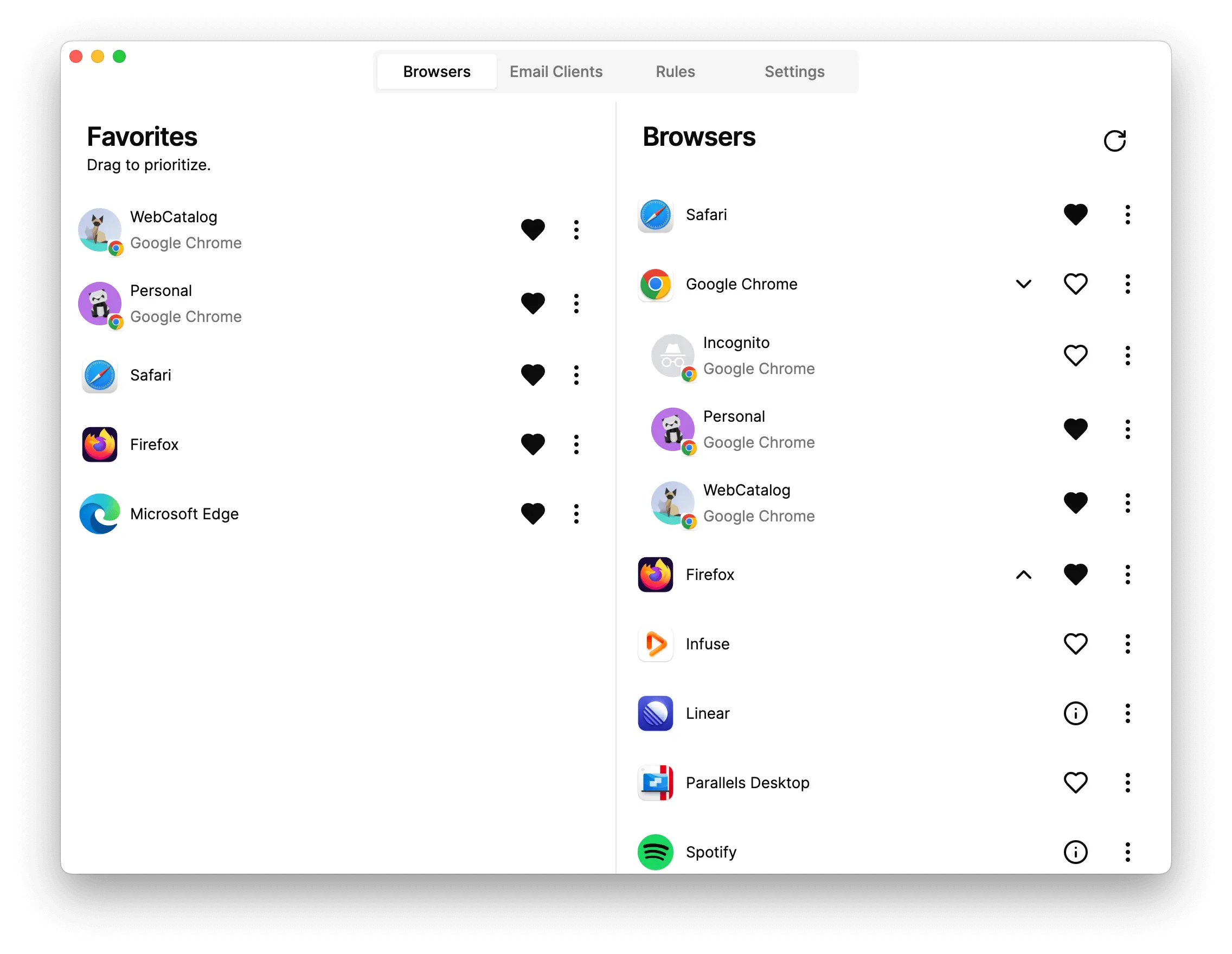
In today’s fast-paced digital world, managing multiple apps, websites, and accounts can be overwhelming. Enter WebCatalog, an innovative software suite designed to simplify your digital workspace by turning web apps into desktop applications. Whether you’re a professional, student, or casual user, WebCatalog transforms how you interact with your favorite services, giving you efficiency, organization, and control—all in one powerful platform.
What is WebCatalog?
WebCatalog is more than just a productivity tool; it’s a complete solution for desktop app management. With WebCatalog, you can:
- Convert websites like Gmail, Slack, or WhatsApp into dedicated desktop apps.
- Organize multiple accounts without constant logins and logouts.
- Customize your workspace for enhanced workflow efficiency.
- Access a curated catalog of apps optimized for desktop use.
This approach eliminates the clutter of browser tabs and ensures that your most-used apps are always at your fingertips.
Key Features of WebCatalog
1. Turn Websites into Desktop Apps
Imagine using your favorite web apps without opening a browser. WebCatalog allows you to convert any website into a standalone desktop application. This feature improves performance, reduces distractions, and keeps your workspace organized.
2. Multiple Account Management
For professionals managing various client accounts or social media profiles, WebCatalog’s multi-account support is a game-changer. Log in to multiple accounts simultaneously, seamlessly switch between them, and avoid the hassle of repeated sign-ins.
3. Dedicated Desktop Applications
Unlike standard browsers, WebCatalog creates dedicated desktop apps with isolated processes. This ensures higher security, better memory usage, and faster performance compared to keeping numerous browser tabs open.
4. Site-Specific Browsers
WebCatalog offers site-specific browsers that enhance privacy and protect against tracking. Each app runs independently, allowing you to compartmentalize your work and personal browsing.
5. Spaces for Organization
Organize your apps and workflows using WebCatalog’s Spaces. Group related apps, projects, or accounts in a single workspace. Whether you’re managing work projects, personal apps, or study tools, Spaces keeps everything neatly organized.
6. Shared Spaces for Teams
Collaboration is seamless with Shared Spaces. Teams can share a curated workspace, keeping everyone aligned and productive without compromising security or performance.
7. Privacy Protection
WebCatalog emphasizes user privacy. By isolating apps, blocking trackers, and reducing unnecessary browser data usage, WebCatalog ensures a safer digital experience.
8. Curated App Library
WebCatalog’s extensive app catalog allows users to explore and discover new desktop apps optimized for productivity, learning, social engagement, and entertainment.
Why WebCatalog is Essential for Productivity
With the rise of remote work and digital learning, managing multiple web apps efficiently has become critical. WebCatalog saves time, enhances focus, and reduces digital clutter. Its lightweight, dedicated apps run faster than traditional browser tabs, offering a smoother and more professional experience.
Additionally, WebCatalog empowers users to separate personal and professional apps, improving organization and focus. From project management tools to messaging apps, everything is accessible without juggling multiple browser windows.
Who Can Benefit from WebCatalog?
WebCatalog is ideal for:
- Professionals: Streamline client management, communication, and project tracking.
- Students: Access study tools, research sites, and productivity apps efficiently.
- Remote Teams: Collaborate in Shared Spaces with synchronized tools.
- Everyday Users: Simplify access to social media, streaming services, and personal apps.
How WebCatalog Enhances Digital Workflows
- Efficiency: Switch between apps without browser clutter.
- Organization: Use Spaces to group apps logically.
- Performance: Dedicated apps consume fewer resources than multiple tabs.
- Security: Isolated apps reduce exposure to trackers and malware.
By integrating WebCatalog into your digital life, you can focus on what matters, whether it’s work, study, or leisure.
Getting Started with WebCatalog
Getting started is simple:
- Download WebCatalog from the official site.
- Install your favorite apps as desktop applications.
- Create Spaces to organize your workflow.
- Start managing multiple accounts effortlessly.
Why WebCatalog Stands Out
Unlike conventional app managers or browser-based solutions, WebCatalog offers:
- True desktop apps with independent processes.
- Easy multi-account handling.
- Enhanced privacy and security features.
- Curated app library for seamless exploration.
This combination makes WebCatalog not just an app manager but a digital productivity ecosystem.Boost Your Productivity
